Find the settings
Check the game’s own currency, amounts and rules. Demo balances have no cash value.
See the round controlsFURY FLIGHT / GAME INFORMATION
Take a look at the real game interface before you start. The player below connects to BEON’s public demo client.
No game connection has been started.
External content is served by BEON’s public demo host after you launch it. It may use its own storage and cookies. Privacy details. Loading and access depend on the provider and your location.
THE GAME
Check the game’s own currency, amounts and rules. Demo balances have no cash value.
See the round controlsNotice when the betting window closes and where the cash-out control appears. The previous round does not tell you when the next one will end.
Understand the RTPOpen the client in a separate tab. If it still shows an error, follow the connection checks before trying again.
Get loading helpThe website does not ask for an account or payment to open the public demo link. The external provider controls whether a session is available and what it requires. If it redirects to an unexpected login, payment prompt or download, stop and check the destination rather than entering details.
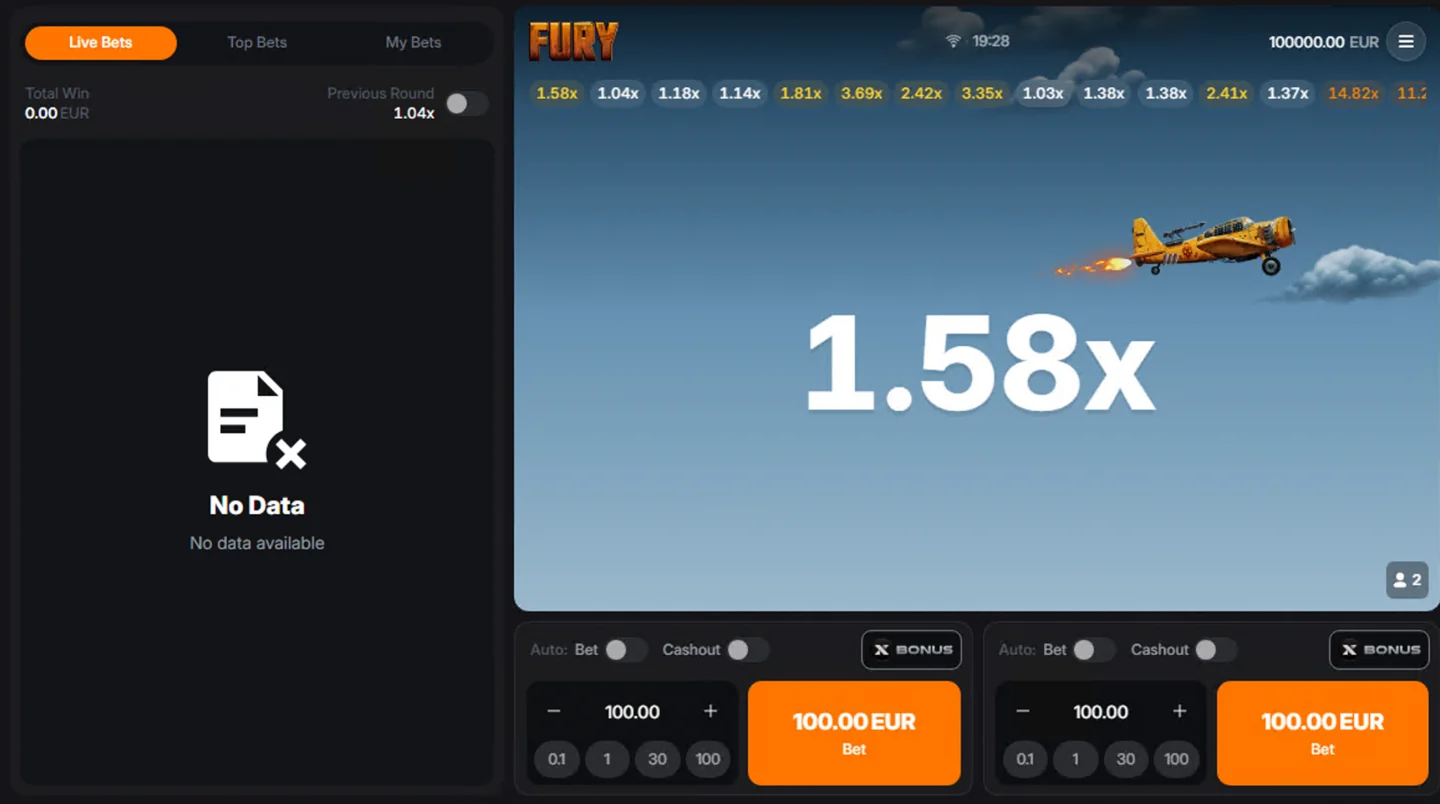
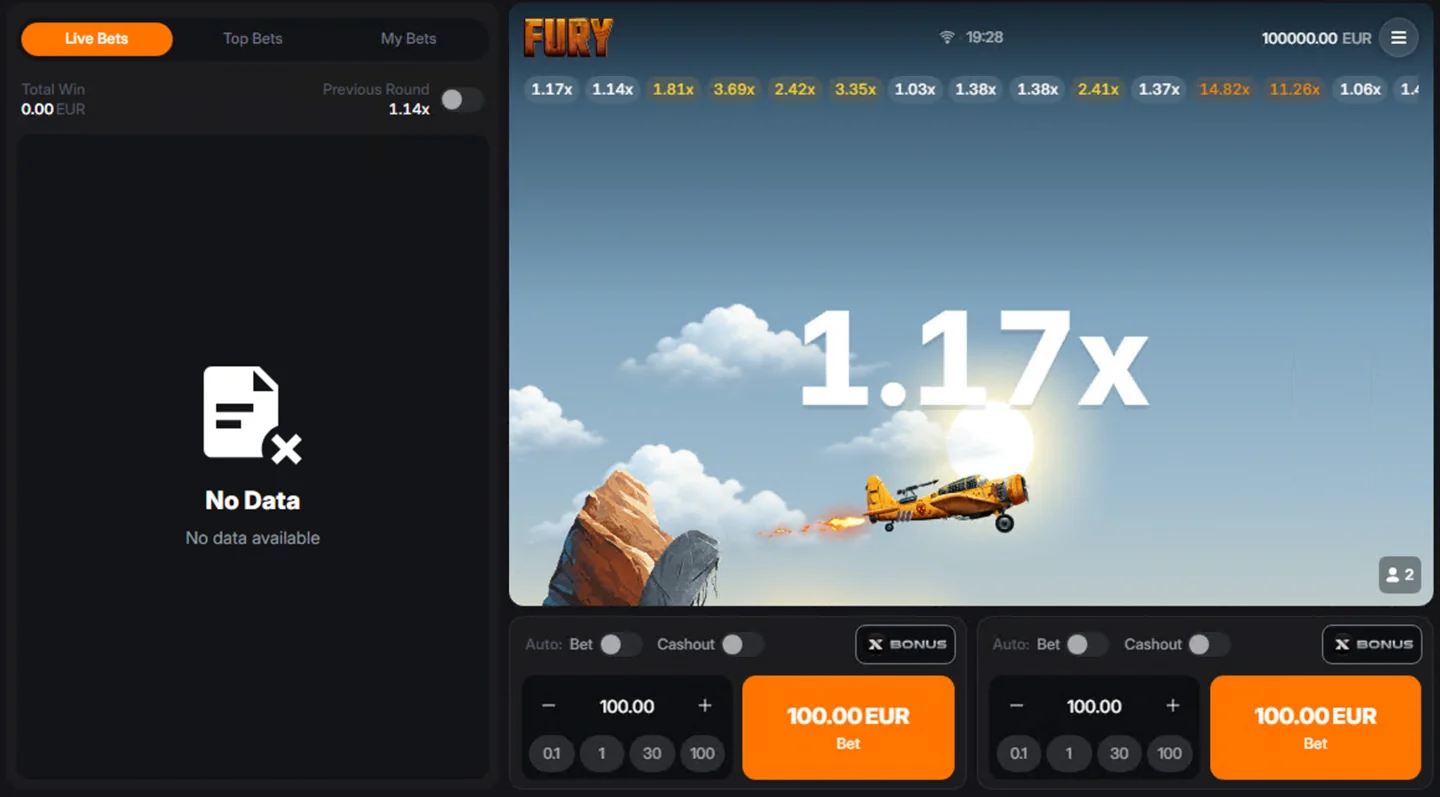
The demo is most useful for getting familiar with where things are. Locate the amount fields, the two sets of automatic switches and the previous-result strip. Notice how the interface changes between accepting bets and showing a flight. The Fury Flight game page places those stages in the wider game overview.
The player activity panel is separate from the flight display. “No Data” in that list does not, by itself, mean the multiplier area has failed. It also does not prove that an account has joined the round. Read the client’s status and your own activity record together.
For a fuller explanation of both panels and a payout calculation, use the Fury Flight bet controls and cash-out rules.
Demo credits are a testing balance, not money you can withdraw. The balance shown in a screenshot belongs to that capture. It is not an amount this website adds to an account or a promise about what a fresh demo session will contain.
A demo session can make the controls familiar. The demo and app FAQ covers browser access and the difference between a demo balance and withdrawable funds. It does not predict the next live round, prove a profitable strategy or reproduce the conditions of every other game configuration. Read the rules in the client you actually use.
This website does not offer real-money accounts or accept deposits. Access to any game mode is subject to the rules that apply in your location. The responsible play page covers age, restrictions and support.
Try the direct link once before changing browser settings. If the direct client also reports a connection error, the issue may be with its session service or availability rather than this page. Repeatedly pressing Launch will not fix an unavailable provider session.
On a phone, follow the mobile browser setup checks and open the game in its own tab. Do not install an APK offered by an unrelated page as a workaround. The Fury Flight loading checks separate a blank frame, a server error and an empty activity list.
Content reviewed: · Game details & sources · Report a correction